eQube TM

Transformation Modeler

The Brief

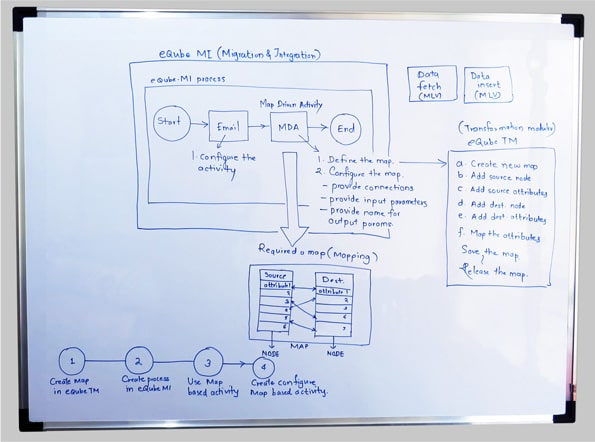
eQube TM stands for Transformation Modeler. Its is a data modelling and mapping solution. When user create a process in eQube MI as a business logic, it might involve one of the biggest activity called Map Driven activity that allow to transfer data from source to destination (i.e. from excel to Json object). In that case, eQube TM integrates with eQube MI through application connectors.

Objective

eQ requires a design for an web based app, along with clearly defined branding that can be presented in a prototype that effectively shows the key features users need from eQube MI app.

My Role

As a UI UX Designer, I integrated with the eQ Team to designon best practices and designed the complete User flow and visual experience. - Research, Interaction Design, Visual Design,

Tools: Adobe XD, Photoshop
Research & Analysis

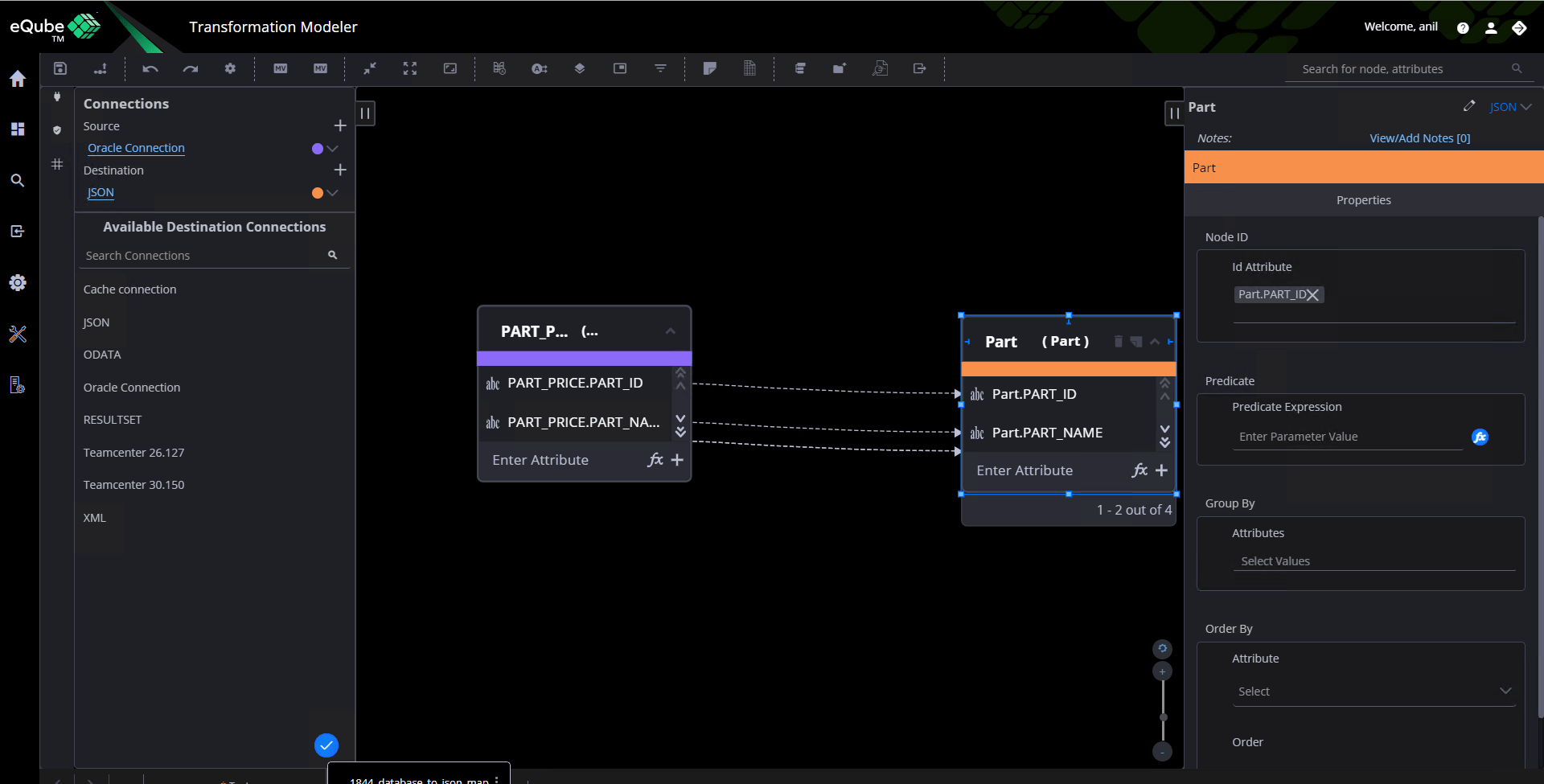
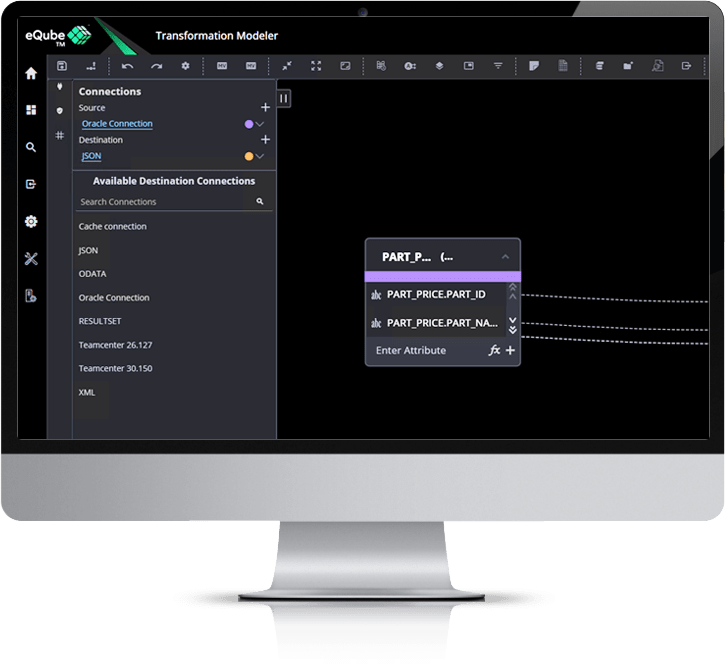
My first task was to get an in-depth understanding overall functioning of the eQube TM and its different features involved. I conducted brainstorming sessions with concerned product manager and the back end team of developers to kick start a process of exploration. This workshop resulted in a clear understanding of the features and functionalities to be included. This application will be mainly used to create a Map which involves certain steps like create map, add source node and attributes, add destination node & attributes, map the attributes and then save & release the map.

Information Architecture

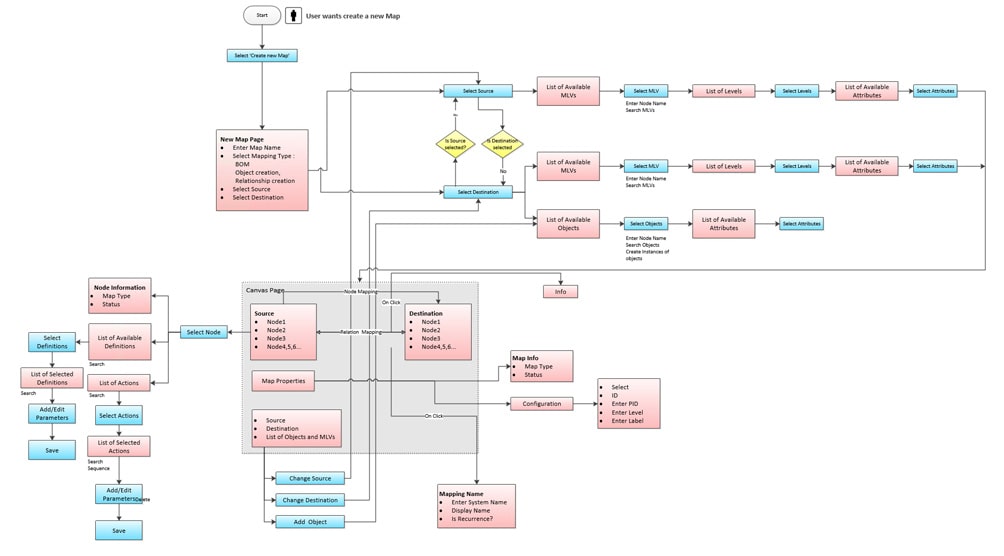
For a complex system like this with multiple stakeholders, it was important to create an end-to-end information architecture and build a seamless workflow from one phase of the lifecycle to the next. Here is where the backbone of the system was created and informed the UI design process.

Sketches

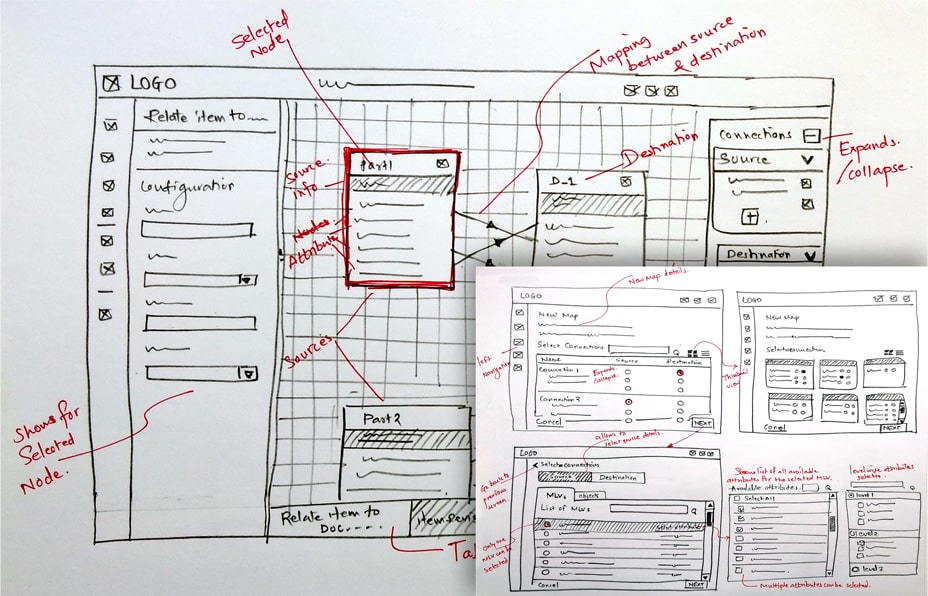
I used the user flow to start sketching some ideas on paper. This sketch represents the how the user would create a new map followed by adding source nodes & attributes to the destination. Getting the ideas rapidly down on paper really helped to solidify the flow. I find this method the best way for getting ideas down quickly and being able to iterate on them just as quickly.

Low fidelity Wireframing & Prototyping

After we defined the flow and thus what screens we needed I proceeded with creating the low-fidelity wireframes to explore the experience in more detail on a screen-by-screen level. The main focus was to support the creation of map driven activity and jumped into the Adobe XD to create the prototypes with the screens to evaluate it with the users.

Usability Testing

I created a test plan in preparation for conducting usability testing. I developed 4 scenarios and 4 tasks that I asked users to complete using the prototype in order to evaluate the design. Participants were recruited from another team of developers who had an experience in back end programming like database, XML, API gateway, Json etc and recorded each session so I could later synthesize my findings.

Tasks
How would you add new source node
How would you add new source attribute
How would you add destination node
How would you add destination attribute
Map the Attributes

Number of Participants: 5
Age: 23 - 55
Gender Breakdown: 3 female / 2 male

Revised Prototype

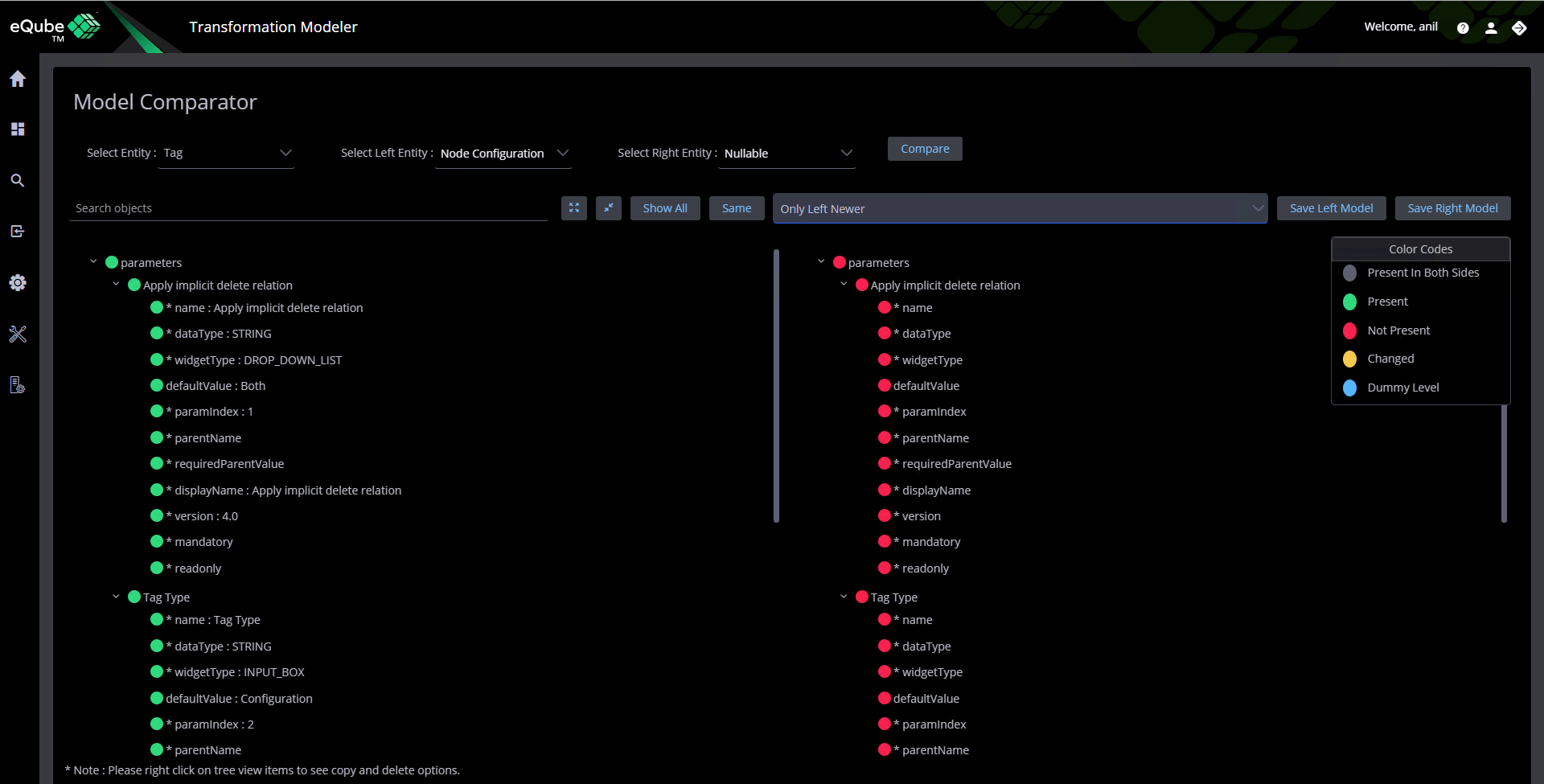
Based on the usability testing results and the feedback received, I modified and created newer versions of the screens and the flow which went into many iterations.
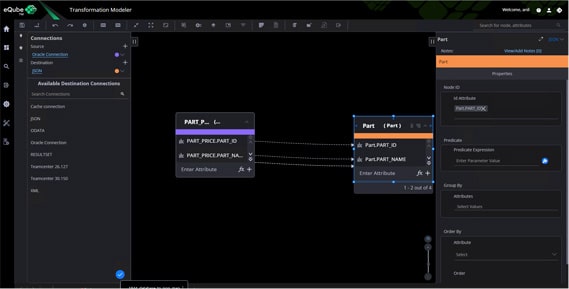
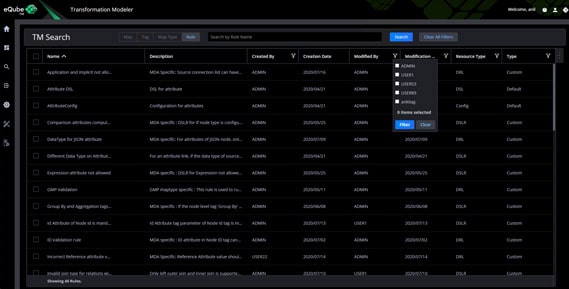
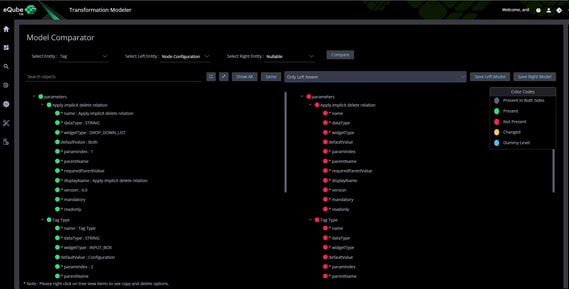
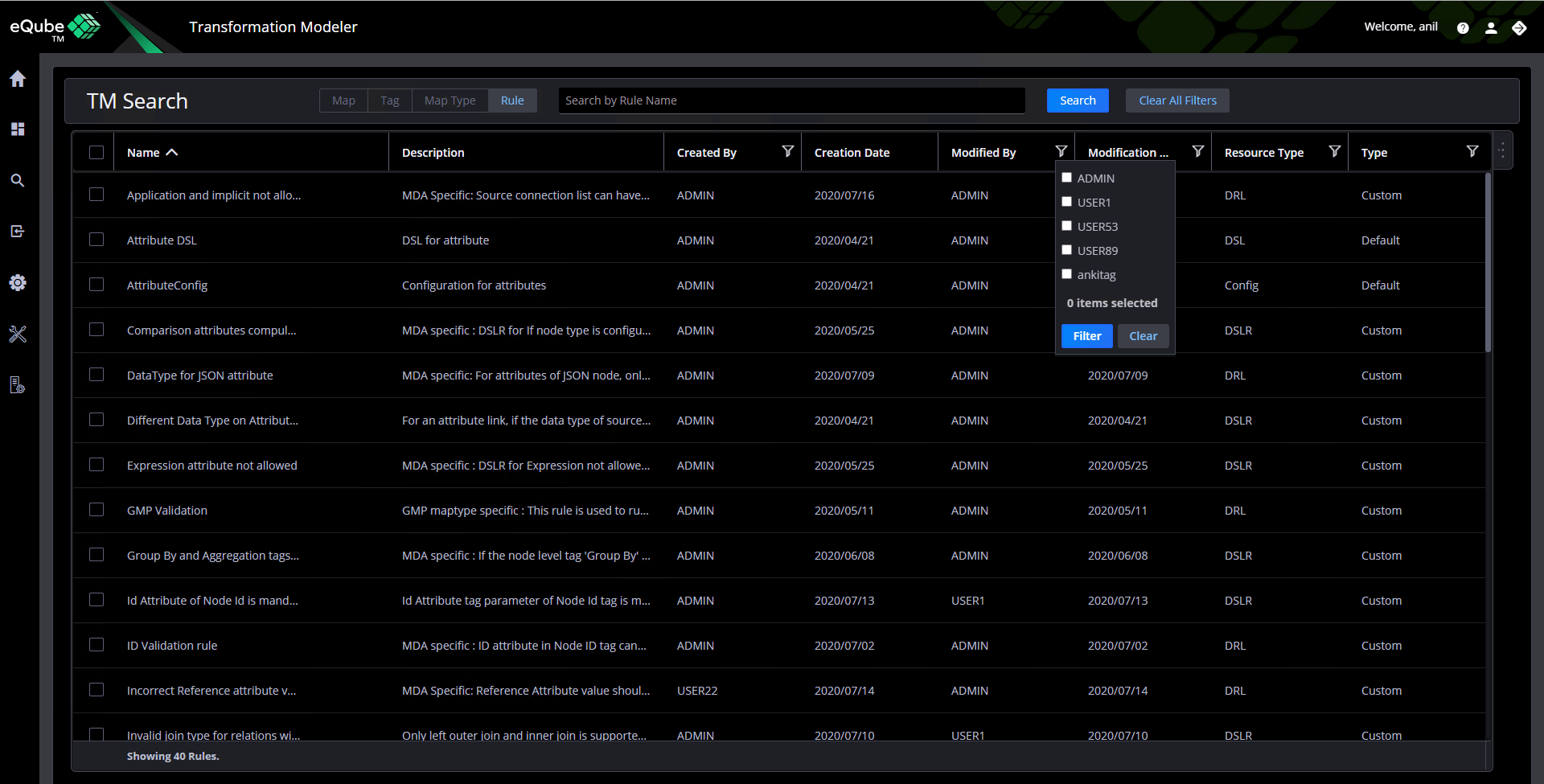
Once I was sure about screens and the flow , I began creating the high-fidelity wireframe/prototype using the software Adobe XD. Here, is where the UI starts to come together and I was careful to stay within the parameters of the already established visual design library which contains all the UI components. I wanted to be sure I keep consistency across all the eQ products in terms of visual and interaction point of view.

Next Step

eQube TM is ongoing application which keeps on revising with additional features and functionality but I as a UX designer, I follow the design process whenever new enhancements come to me is Reserch – Define – Ideate – Design – prototype – Iterate More usability testing, Research, and Analytics would uncover additional pain points and would lead us to make better design decisions.